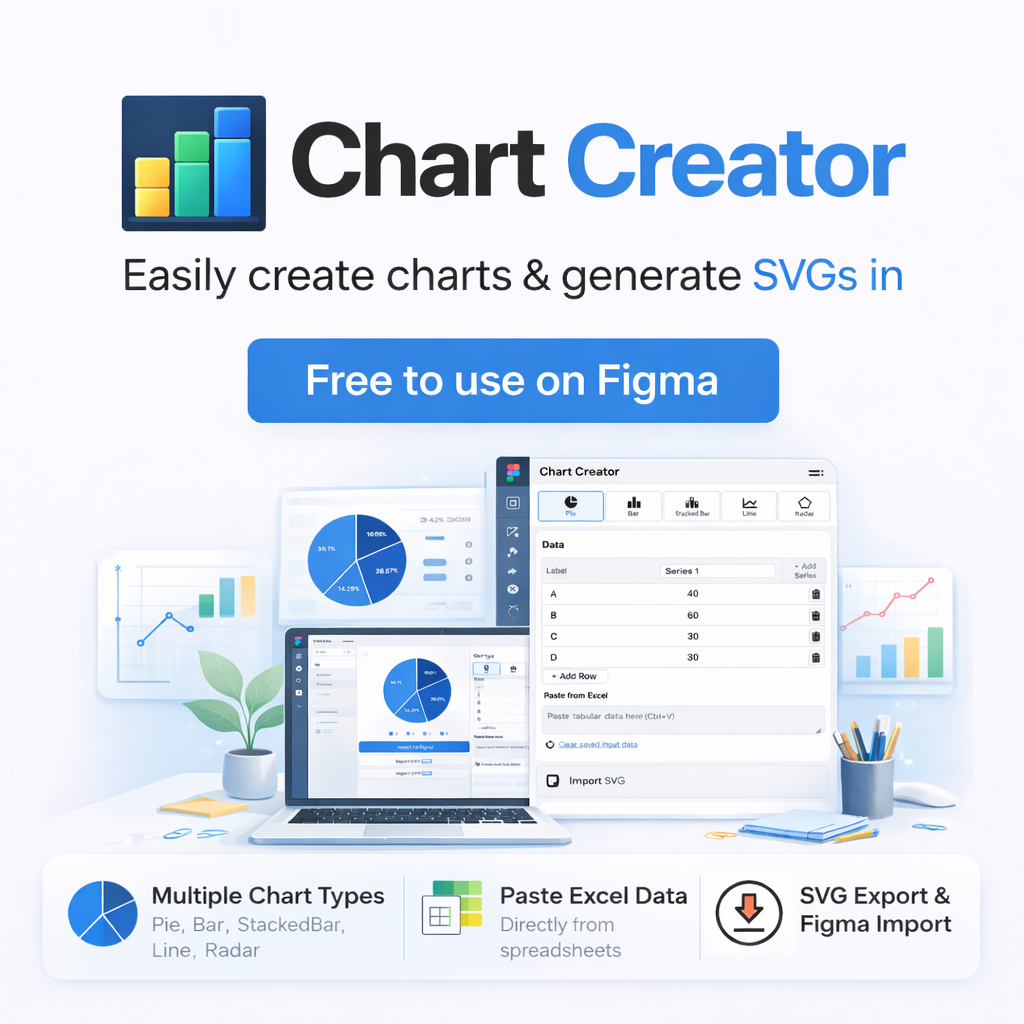
Chart Creator - Generate reusable charts from tabular data in Figma
Chart Creator is a Figma plugin for creating bar, line, pie, and radar charts from pasted or edited table data.
Free: Core features up to 50 rows / 50 series (pie=20, radar=15)
Pro: $8/month. Unlock per-item color editing, SVG import/export, and JSON editing after license activation
You will be redirected to our payment provider, Polar.
By purchasing, you agree to the Terms & Privacy Policy.
How to use
- Open Chart Creator in Figma and paste or edit your table data.
- Choose a chart type such as vertical bar, horizontal bar, line, pie, or radar and review the preview.
- Adjust axis, grid, legend, value labels, and size, then generate the chart.
- With Pro, use SVG import/export and JSON mode for more detailed editing.
Large datasets increase rendering cost. Start with a smaller dataset and scale up as needed.
What Chart Creator helps with
- Generate charts from tabular data directly in Figma.
- Create vertical bar, horizontal bar, line, pie, and radar charts.
- Toggle axis, grid, legend, and value labels based on design context.
Editing and import / export
Pro includes per-item color editing, SVG export, re-import for SVGs generated by Chart Creator, and direct JSON mode editing. It is useful for design reviews and for refining AI-generated data.
Limits and license
- Free - Up to 50 rows / 50 series (pie=20, radar=15). Per-item color editing and SVG import/export are disabled.
- Pro - Up to 50 rows / 50 series (pie=20, radar=15). Per-item color editing, SVG import/export, and JSON editing are enabled.
In the plugin, expand "License," enter the key you received after purchase, and click "Activate" to enable Pro. To purchase, go to the checkout page.
FAQ
-
Chart Creator turns tabular data into bar, line, pie, and radar charts directly in Figma so the charts can be reused in design files.
-
Free includes core chart generation up to 50 rows and 50 series. Pro unlocks per-item color editing, SVG import/export, and JSON editing after license activation.
-
Chart Creator supports vertical bar, horizontal bar, line, pie, and radar charts. Pie charts are limited to 20 items and radar charts to 15 items.
-
Use the link in your purchase confirmation email to open your account page on Polar, where you can view and copy your license key.
-
Confirm that the key was copied correctly and appears as valid in your Polar account page. If it still fails, contact us through the contact form.
-
You can cancel anytime through your Polar account page or Polar documentation/support. Pro remains available through the current paid period.